



 YouTube
 Spotify
 Maps
Maps01
Start at your Home Screen.
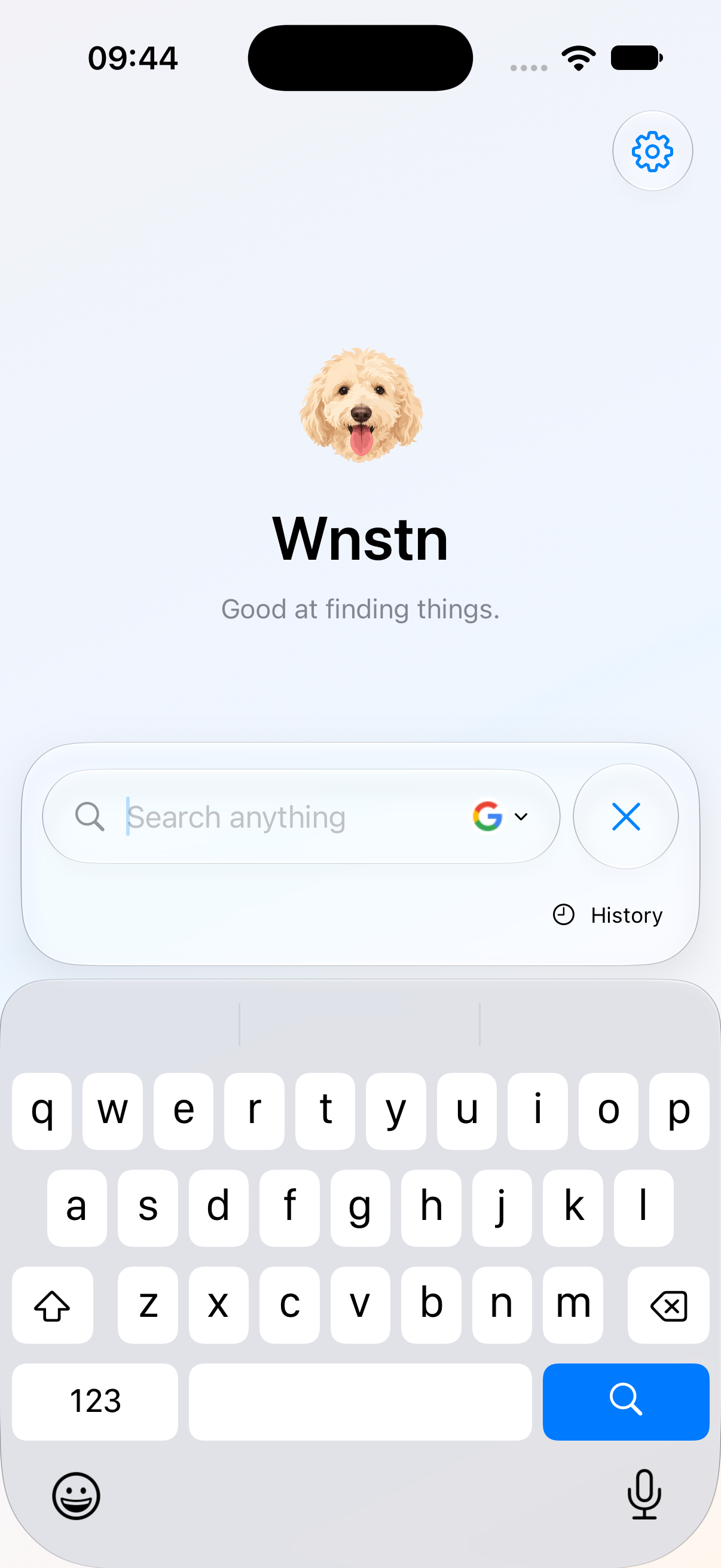
Tap a widget. Wnstn opens with the keyboard ready. No tabs or app menus to navigate first.
WNSTN / iPHONE SEARCH WIDGET


Wnstn is an iPhone search widget for the web and your favourite apps. Open it from your Home Screen, type a query and search with your chosen engine or an @ shortcut.
Try it belowTap a widget. Wnstn opens with the keyboard ready. No tabs or app menus to navigate first.
Use your usual search engine, or type an @ shortcut to search a specific app.
Web searches open in your default browser. Wnstn has no browser of its own.
YOUR SEARCH ENGINE
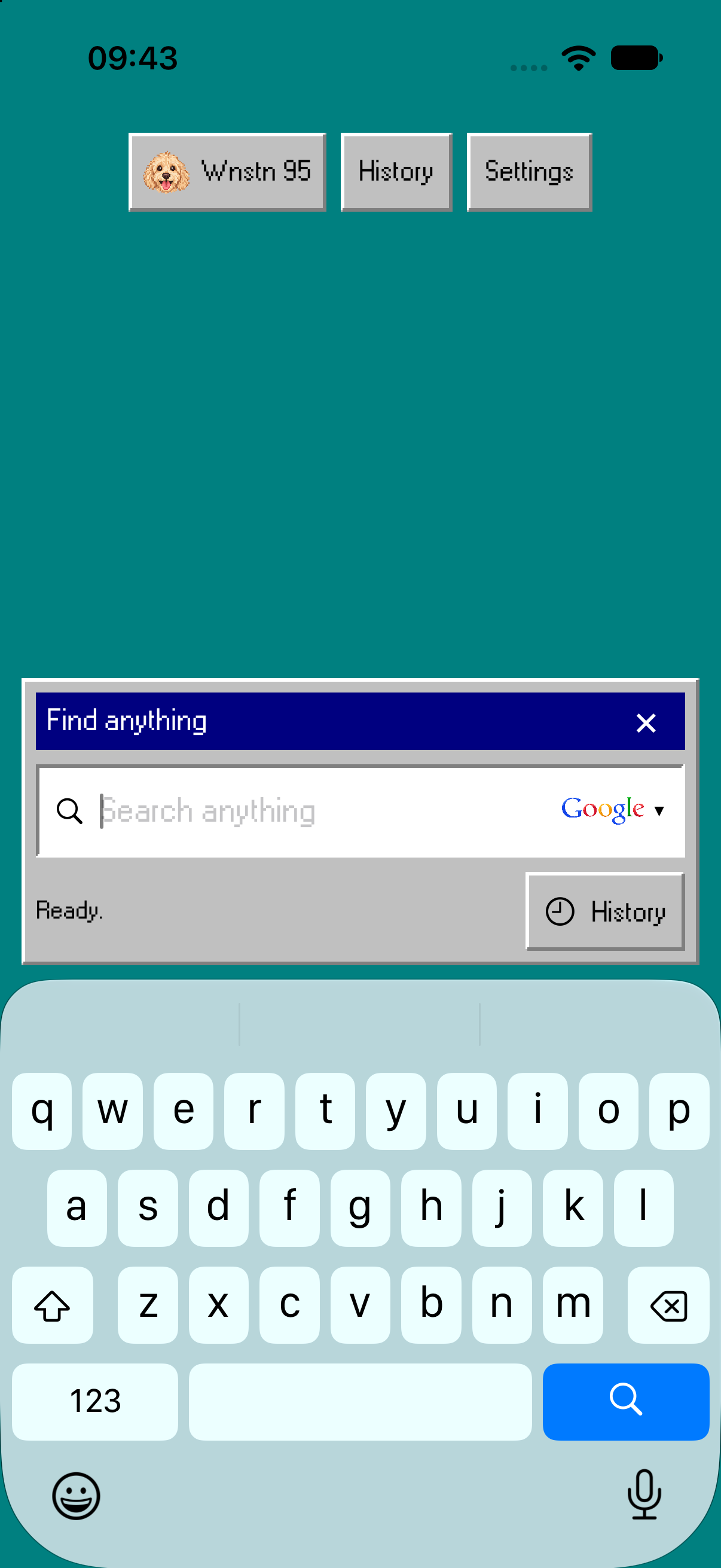
Choose Google, DuckDuckGo or Bing, then try a search below. Wnstn opens web searches in your default iPhone browser, including Safari.
Three engines to try here. More are available in the app.
SEARCH AN APP
Pick an app below, or type @ in the field. Shortcuts work too: @yt for YouTube, @sp for Spotify and @maps for Apple Maps.
BUILT AROUND THE SEARCH
Get search suggestions as you type. Choose an app from the separate shelf above the search field.
Revisit previous searches, choose how long to keep them, or turn saving off.
Create a custom search shortcut for a website you use often, then type its @tag in Wnstn.
Start a search or open a destination through the app's shortcut actions.

WHY WNSTN EXISTS
Winston loves hide-and-seek. He'll search the house for a toy, or your pockets if he thinks you've hidden a treat.
The app began with a smaller search problem: wanting a quick search widget without installing Google's app or moving searches into another browser.
Wnstn is the shortcut between knowing what you want and choosing where to find it.
In development by SeeMango.