



Design
-
October 29, 2026
Writer
Ramish Hassan
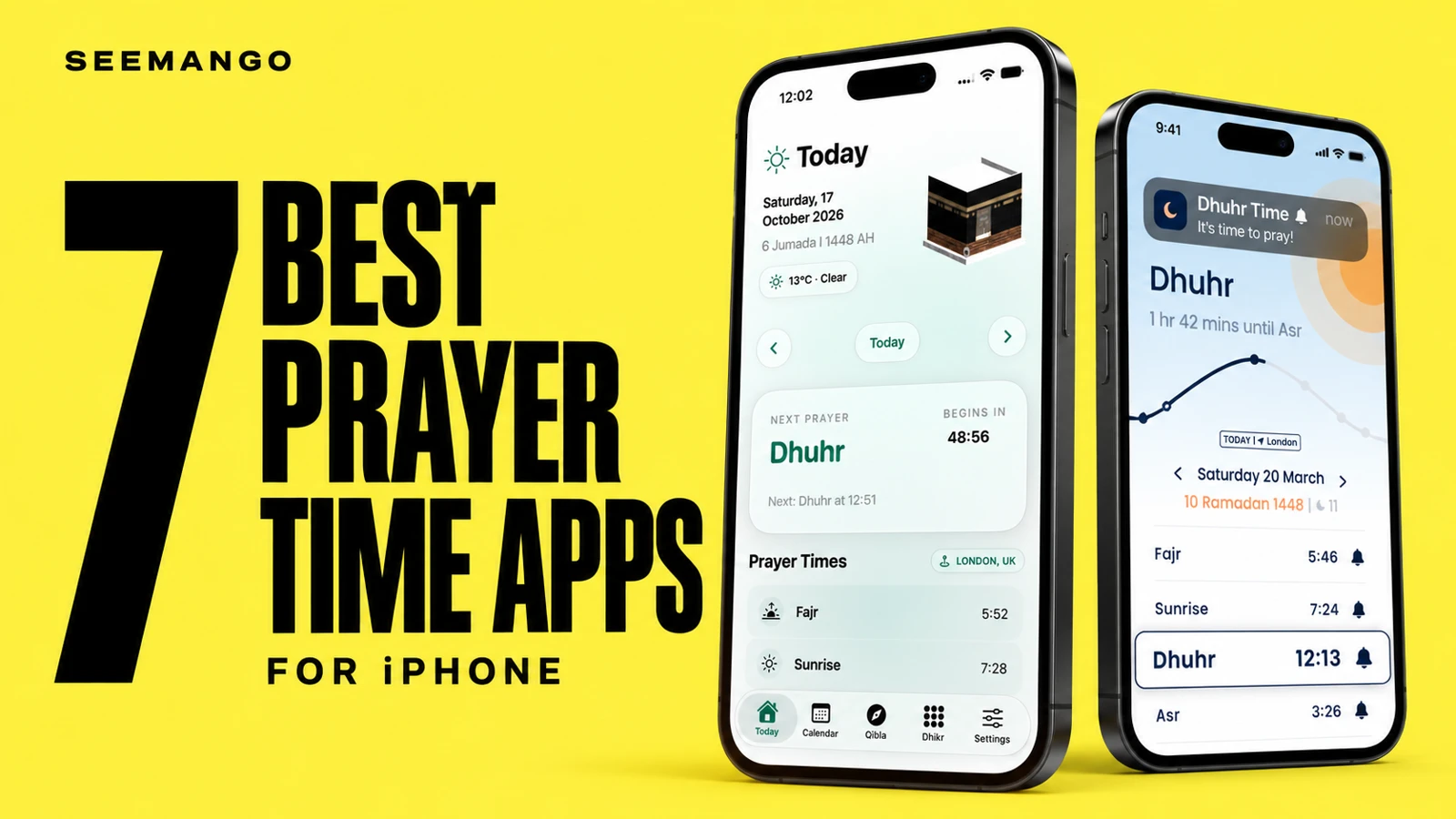
A prayer time app is something you may check several times a day. Small details matter: how quickly you can find the next prayer, what appears on your Lock Screen, and whether checking a time means dismissing an advert.
Our first pick is Salaah, which brings prayer times, Qibla, Dhikr and an Islamic calendar into a focused iPhone app. But price, Apple Watch support and the amount of Islamic content you want can lead you to a different choice.
About this guide: SeeMango develops Salaah, so our first recommendation reflects our own design priorities. We know Salaah through its development and device testing. The other entries draw on developer information and App Store listings, rather than a completed side-by-side device test.
Salaah was awaiting App Store review when this draft was prepared. Availability will be checked before publication.
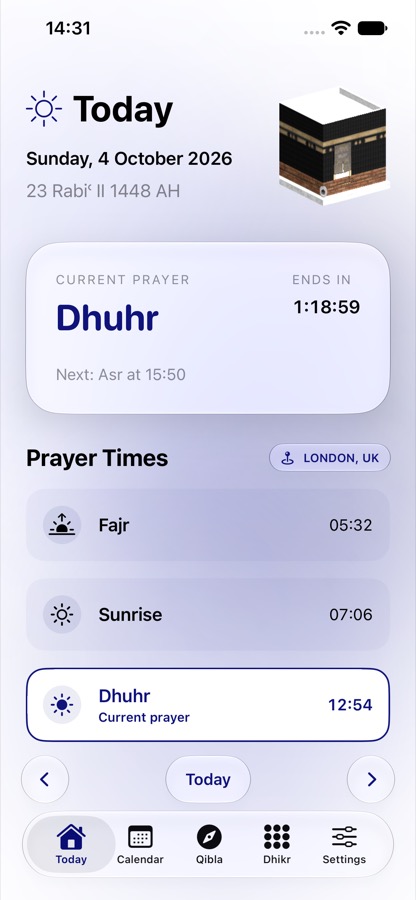
We built Salaah around the things we wanted close at hand: the next prayer, the direction to face, a Dhikr counter and something worth reading each day.
The Today screen gives the current or next prayer room to stand out. A countdown sits alongside the daily timetable, with a choice of location, calculation method and Asr setting. Home Screen and Lock Screen widgets let you check prayer information without opening the app. An optional Live Activity follows the next prayer on supported devices.
Qibla has its own 3D compass. Dhikr lets you choose a supplication, set a target and count with touch feedback. Daily Reflections brings together an ayah, dua and hadith, with Arabic text, English meaning and sources.
The calendar is particularly useful if you want Gregorian and Hijri dates together. You can browse Islamic occasions, choose which observances appear and open the lunar phase for more detail.
There are six colour themes, each with light and dark appearance. That gives you some control over an interface you’ll see often.
The payment model is straightforward: one purchase, with no subscription, adverts or account.
What to consider: Salaah is a paid app, and its first release does not include an Apple Watch app. Its daily readings also serve a different purpose from a full Quran reader. Fajr alarms are scheduled seven days ahead, so you should open the app each week to renew them.
Our view: Salaah is the choice we would make for someone who wants the daily essentials presented carefully, with a clear upfront price.
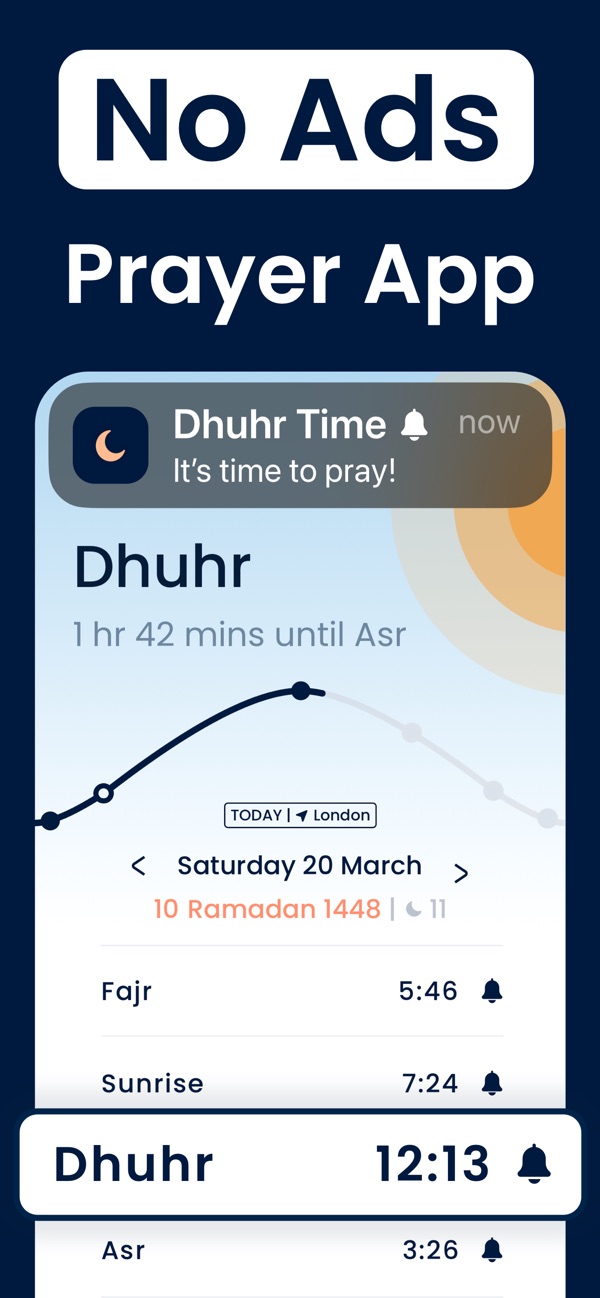
Pillars makes a compelling case before you spend anything. Prayer times, Qibla, notifications, a prayer tracker and core widgets are available free, without adverts.
Its developer says prayer times and Qibla are calculated on your phone, with no account required. That is a useful distinction for anyone looking for a prayer app without ads who also wants to understand how their location is handled.
The scope is focused. If your main requirements are checking salah times, receiving reminders and finding the Qibla, Pillars covers those without asking you to buy a broader content package.
What to consider: Free does not mean every feature is included. Pillars offers an optional Premium subscription, including Apple Watch access. Check the current plan if the Watch is your main reason for downloading it.
Our view: Start here if you want the essentials free and prefer a restrained feature set.
Pillars features and pricing model

Despite its name, Pray Watch is also an iPhone and iPad app. Its strongest reason to make this list is the attention given to prayer information across Apple devices.
The developer lists Home Screen and Lock Screen widgets, Apple Watch complications, iCloud syncing and a Qibla compass with haptic feedback on both iPhone and Watch. There are also pre-adhan reminders, notification snoozing and settings for your mosque’s iqama times.
Those details matter if you organise your day around congregation times or prefer checking your wrist to reaching for your phone.
Pray Watch is listed as free, and its developer states that it has no adverts.
What to consider: Its emphasis is prayer scheduling and reminders. If your priority is a large Quran-reading or Islamic learning library, compare it with the broader apps below.
Our view: A particularly relevant option for Apple Watch owners who want prayer times and reminders readily available.

Muslim Pro has a much wider remit than a prayer timetable. Its listing includes Quran reading and audio, memorisation tools, fasting tracking, Qibla guidance and a finder for halal restaurants and prayer spaces.
That breadth is its reason to be here. If you want to read, listen and manage several parts of your daily practice in one app, there is more to explore than the prayer screen alone.
It also supports Apple Watch. Premium includes an ad-free experience and offline Quran text and audio.
What to consider: The free and paid experiences differ. Some features require a subscription, so check which ones you would use before choosing a plan. Readers looking only for a quick prayer timetable may prefer an app with a narrower scope.
Our view: Consider Muslim Pro if Quran reading and listening are as important to you as prayer reminders.
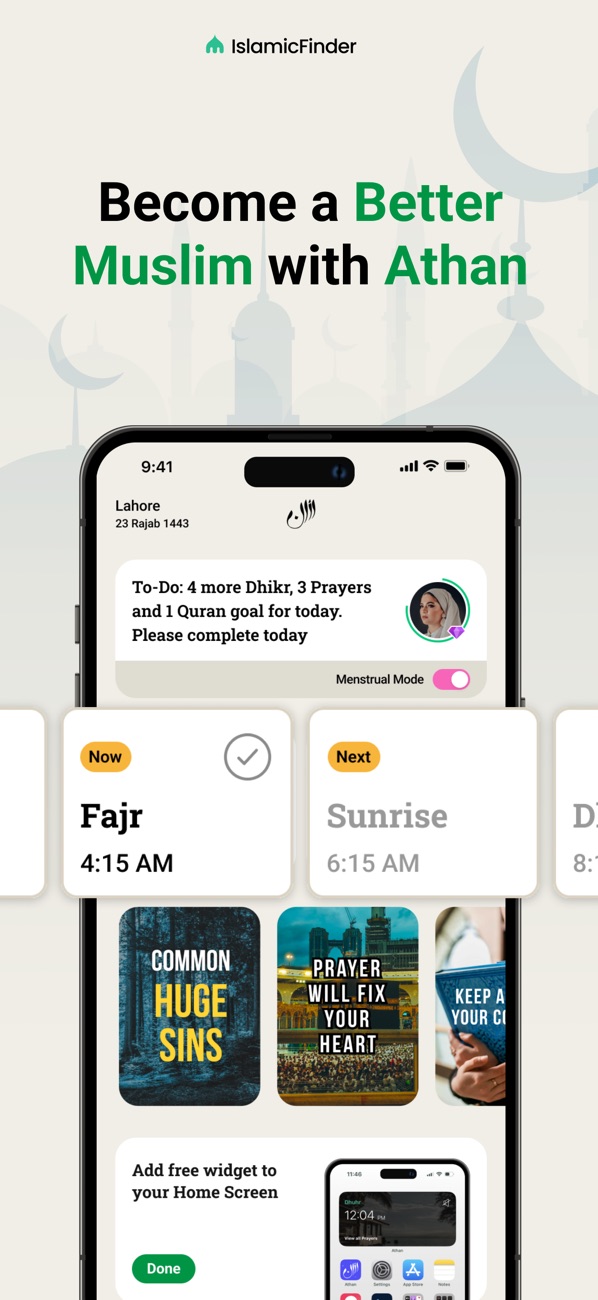
Athan combines prayer times and azan notifications with tools for recording daily practice.
Its listed features include prayer logging, custom daily goals, a tasbih counter, Quran audio, duas and an Islamic calendar. A free Home Screen prayer times widget provides a quicker route to the timetable.
The distinction is the tracking. Some people want an app to tell them when to pray; others also want somewhere to record prayers, reading and Dhikr. Athan caters to that second group.
What to consider: Goals, tasks and streaks are a matter of preference. Decide whether you would use them. The app also offers paid subscriptions for an ad-free experience.
Our view: A useful candidate if you want a prayer reminder app that also helps you keep a record of your routine.
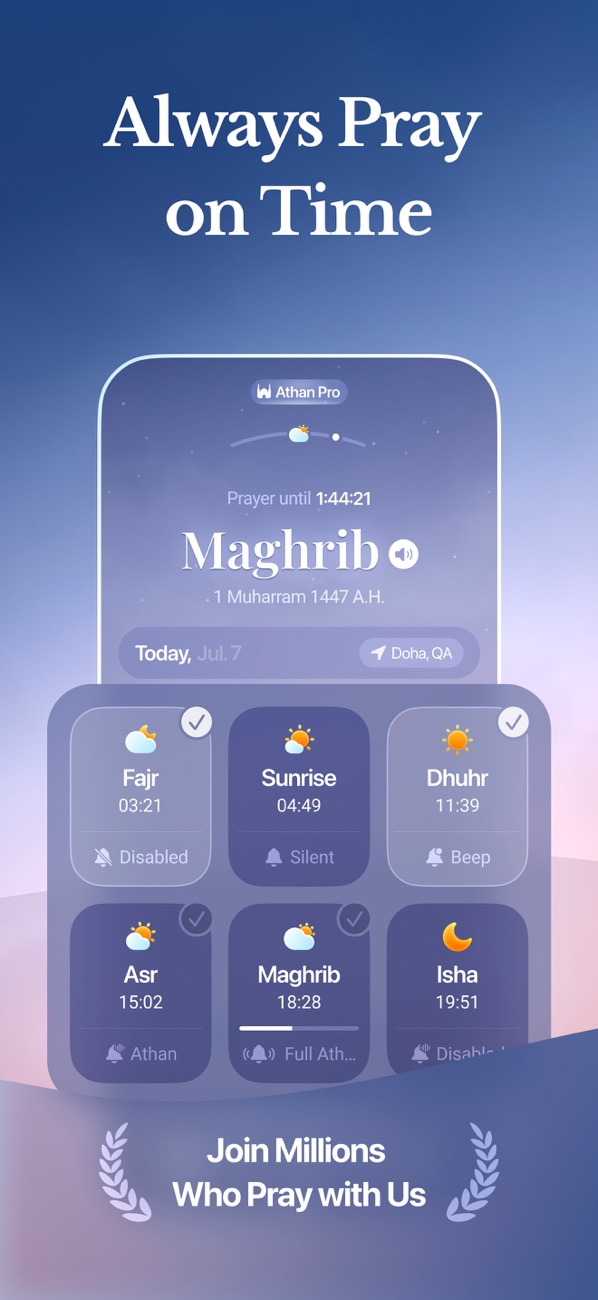
Athan Pro is developed by Quanticapps and is separate from IslamicFinder’s Athan.
Its distinctive features include augmented-reality Qibla guidance, dynamic backgrounds and a selection of adhan recordings. It also lists widgets, Live Activities and an Apple Watch app.
For readers who enjoy personalising their phone, the visual options give it a different appeal from a plain timetable. The AR Qibla feature is also worth comparing with a conventional compass if that is a tool you use regularly.
What to consider: Athan Pro is free to download, with advertising and in-app purchases. Check the current purchase options and which features they unlock.
Our view: Put it on your shortlist if appearance, adhan choice and alternative ways to display Qibla direction matter to you.

ElaSalaty gives you several ways to keep prayer times visible, including widgets, Apple Watch complications and a monthly prayer table.
Its listing also includes pre-adhan reminders, Qibla direction, Athkar, themes and Siri and Shortcuts integration. Recent release notes describe support for local mosque times through Mawaqit, which may be particularly relevant if you want to follow a participating mosque’s timetable.
The monthly view is a useful feature to look for when comparing apps. Today’s countdown answers an immediate question; a timetable helps when arranging the week ahead.
What to consider: ElaSalaty is free to download with in-app purchases. Confirm the features and purchase terms shown in your region. Its developer states that the app has no adverts and does not collect data.
Our view: Worth considering if your prayer app needs to help with planning as well as reminders.
Start with the settings. Check your location, calculation method and Asr preference, then compare them with the timetable followed by your local mosque.
Pillars’ own guidance notes that differences in Fajr and Isha can come from the angles or fixed intervals used in the calculation. A different displayed time does not, by itself, establish that one app is more accurate. Pillars’ prayer-time guidance
Look at how the alert actually works. A prayer notification, an alarm and full adhan playback can behave differently. Read the app’s instructions and test your chosen settings before depending on them for Fajr.
For any Fajr alarm app, make sure you understand whether alarms need renewing and which permissions are required.
If checking the next prayer is your most frequent action, a good widget can be more useful than another screen inside the app.
Look for the information you actually need: the next prayer time, a countdown or the full day’s timetable. Also check whether your preferred widget is included free or requires a purchase.
A phone compass can be affected by magnetic cases, nearby metal and calibration. If the direction looks wrong, move away from possible interference and follow the app’s calibration guidance. Pillars documents these limitations in its Qibla support information. Qibla compass guidance
